Automation
Remove repetitive work by connecting the tools you already use.
Hand the repetitive work to software
Who it’s for
- Staff copy the same data between apps every day.
- Approvals stall because someone forgot to forward an email.
- Reports, reminders and follow-ups depend on someone remembering to send them.
- Paper forms or spreadsheets hold a process that several people share.
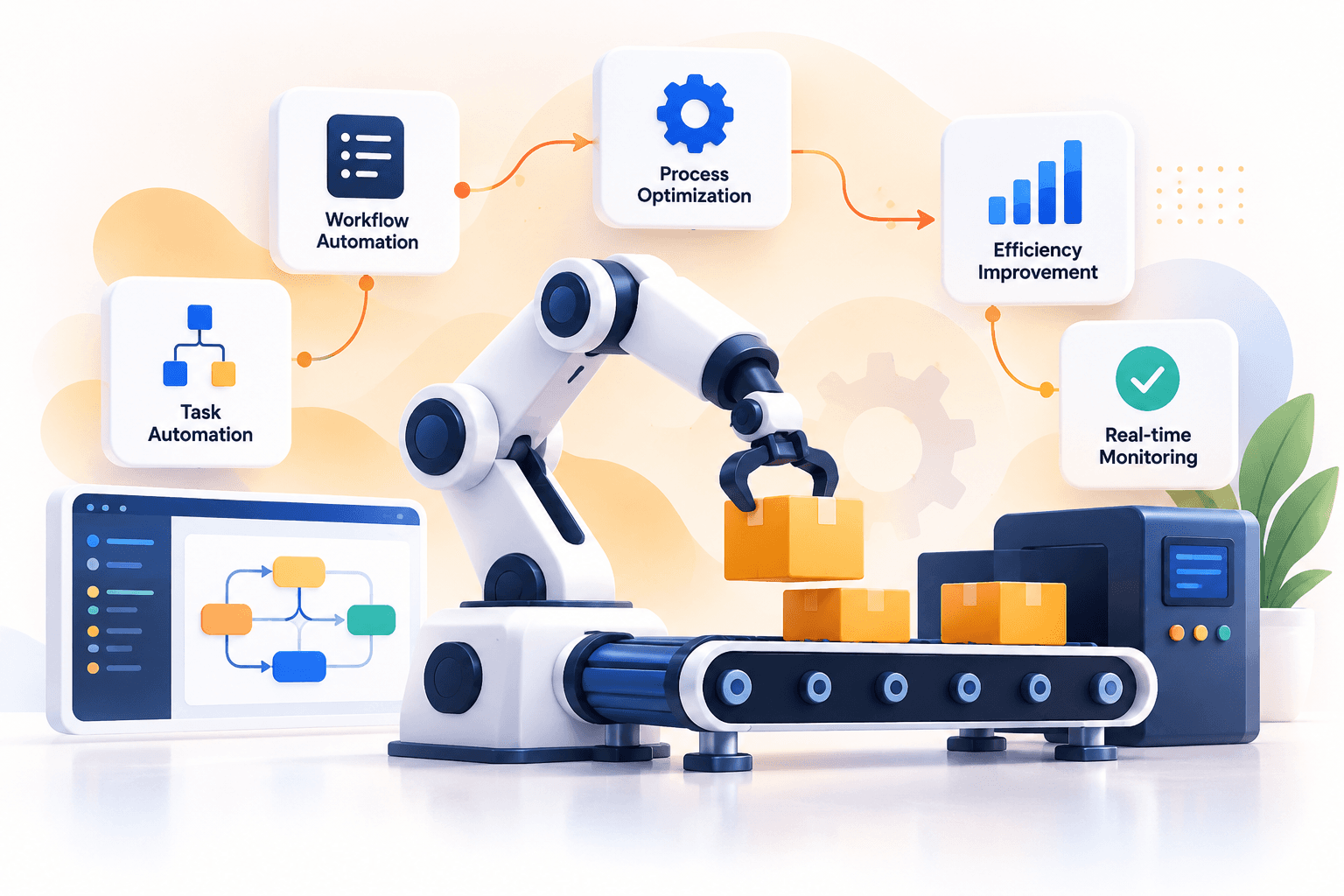
Business process automation uses software to carry out repetitive operational tasks, such as data entry, approvals, notifications and reports, with minimal manual intervention.
Every business has work that people repeat daily: re-keying data, chasing approvals, sending the same email. It is slow, error-prone and rarely the best use of anyone's time.
We map those tasks, connect your existing tools and automate the rule-based parts. Steps that need judgement stay with people; the automation routes the work to them and flags exceptions.
Where no tool covers the job, we build a small internal tool instead of adding another spreadsheet.
Problems automation solves
Re-keying data between apps
Integrations that pass data between your tools automatically.
Stalled approvals
Approval flows that route each request to the right person and remind them.
Forgotten follow-ups and reports
Scheduled jobs and notifications that run on their own.
Shared spreadsheets as process
Small internal tools with clear steps, permissions and history.
What automation work includes
Workflow & task audits
A review of how work flows today, with a ranked list of what is worth automating.
Connecting app software
Connections that let separate apps pass data to each other without manual steps.
Automated email & approvals
Approvals, reminders and notifications that run themselves.
Custom internal apps
Small internal tools that replace paperwork and spreadsheets.
Scheduled daily automation
Scheduled jobs for reports, syncs and clean-ups that run quietly in the background.
Industries we apply it in
- Manufacturing & IndustrialStage-to-stage hand-offs, blocking a stage until the previous one is complete, and dispatch paperwork.
- D2C & E-commerceOrder, stock and customer-update workflows that don't need someone watching them.
- Healthcare & ClinicsAppointment confirmations, reminders and follow-ups.
- Local BusinessesEnquiry handling, order confirmations and customer follow-ups for a small team.
Related work
All work- AutomationBusiness Process AutomationRepetitive, paper-heavy processes turned into connected workflows — approvals, notifications and hand-offs that run on their own and flag exceptions to a person.
- Manufacturing · Case studyBudve SmartFlowA system that brings shop-floor production, quality checks and reporting into one place, so the people running the line and the people reading the numbers work from the same record.
How an automation project runs
- 01
Audit the workflow
We follow a task from start to finish and list every manual step.
- 02
Prioritise
We rank by time saved and risk so the first automation pays off quickly.
- 03
Build and connect
Reliable automations with error handling and notifications.
- 04
Monitor and extend
Track runs, fix edge cases and automate the next task.
Common questions
Which tasks suit automation?
Repeated, rule-based work with clear inputs and outputs, such as approvals, data entry, notifications and reporting. Decisions that need context stay with people.
What if an automation fails?
Automations are built with logs, retries and alerts, so a failure is visible and can be fixed rather than silently missed.
Do we have to replace our software?
No. Usually we connect the tools you already have, and only build something new where nothing covers the job.
Where should we start?
With the task that is repeated most often and causes the most errors. We rank candidates during the workflow review.
Explore other services
All services- Software DevelopmentCustom business software, APIs and databases.
- AI & Machine LearningPractical AI: chatbots, forecasting and document intelligence.
- Data & AnalyticsLive dashboards and one trusted view of business data.
- Cloud & InfrastructureSecure cloud hosting, automated releases and monitoring.
- Marketing & StrategyGrowth strategy, SEO, paid campaigns and brand.
Start a project
Have an idea worth building?
Let’s turn your goals into a working, scalable system.